


Player rating
BC Game Bermuda App: Android and iPhone
Open on mobileOne mobile login for the full platform
BC Game Bermuda mobile access uses the same login, Wallet balance, bonuses, My Bets, Transaction history and Security settings as desktop. There is no separate mobile balance.
That means a sports ticket placed on a laptop remains available on the phone, and a Casino Bonus claimed on mobile remains the same promotion when you return to desktop.
Use the authentication method already connected to the profile, whether that is email, phone, Google or Telegram.
Android in the browser
Chrome can open the responsive BC.GAME platform without installing a package. Casino, Sportsbook, Wallet, Bonus and Support remain available from the browser.
This route is useful when you want immediate access without changing Android installation settings. Add to Home Screen can also create a shortcut while keeping the session in Chrome.
The shortcut opens the same mobile site and does not create a separate app Wallet.
How to install the Android option when offered
When the verified BC.GAME page displays Android download or Install App, use the current route shown there rather than a file sent through another channel.
Open the downloaded package from Chrome or Downloads, approve installation for that file, launch BC.GAME and sign in with the same credentials used on desktop.
After installation, remove any temporary unknown-app permission if Android no longer needs it.
iPhone and iPad
Open BC.GAME in Safari, tap Share, choose Add to Home Screen and confirm. The new icon launches the mobile web experience.
Because the icon points to the existing profile, removing or recreating it does not affect balances, bonuses or tickets.
If a shortcut later opens an outdated path, create a new one from the current verified page.
What stays synchronized
Wallet keeps the same balances and Transaction records. Casino retains access to slots, Live Casino and BC Originals. Sportsbook keeps pre-match and live markets plus My Bets.
Bonus balances and Rollover remain attached to the same profile, and Security continues to use the same verified email/phone and 2FA configuration.
This synchronization is the main reason there is no need to register again on mobile.
Crypto Deposit from a phone
Open Wallet > Deposit, choose the asset and blockchain network, then copy the address displayed for that network. Add Memo, Tag or Destination ID when the screen provides one.
Complete the transfer in the external wallet and monitor it under Transaction. Network matching is essential; ERC20 and TRC20 instructions are not interchangeable.
If crediting is delayed, keep the TxID/hash, asset, network, amount and destination address.
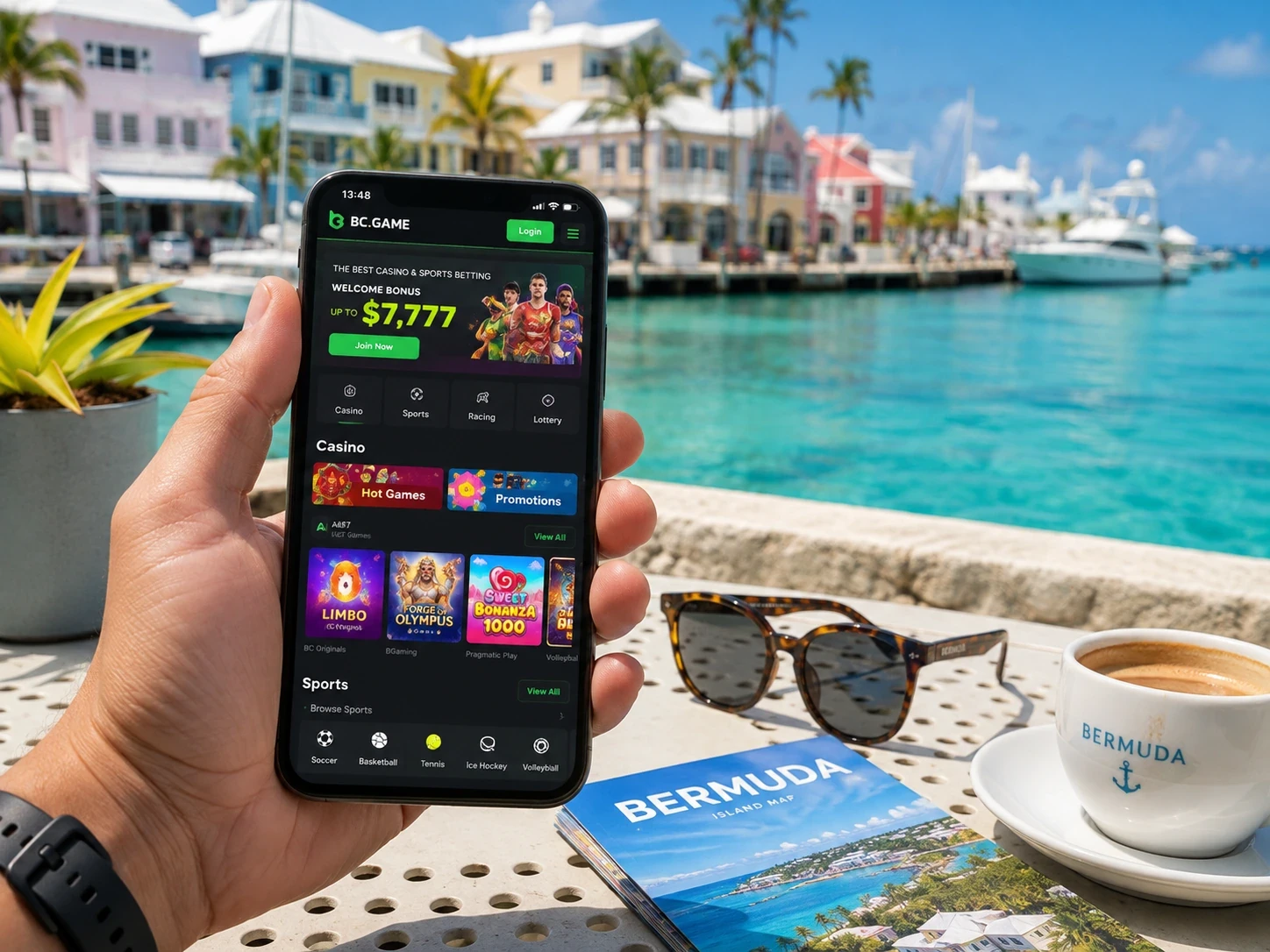
Sportsbook and Casino controls on a smaller screen
In Sportsbook, select sport, competition and event before adding odds to the bet slip. Review the full market and stake before Place Bet.
In Casino, Search and Favourites make the mobile lobby faster to navigate, while the game screen retains stake controls and game rules.
Both products use the same Wallet and login, but their histories remain separate under My Bets and game records.
Mobile security
With 2FA active, the current six-digit Google Authenticator code follows the normal login step. Codes refresh every 30 seconds.
Do not send passwords, live Authenticator codes, seed phrases or private keys to Support. Those secrets are not required to inspect a normal account record.
Changing a password or disabling 2FA can create a 24-hour withdrawal restriction under the published platform guidance.
What remains available on mobile
| Area | Mobile access |
| Wallet | Same balances, deposits, withdrawals and Transaction |
| Casino | Slots, Live Casino, table games and BC Originals |
| Sportsbook | Pre-match/live markets, bet slip and My Bets |
| Bonuses | Bonus balance, campaign status and Rollover |
| Security | Verified email/phone, password and Google Authenticator 2FA |
Mobile Wallet beyond deposits
Wallet on mobile also keeps Withdraw, Swap, Transaction and Rollover available, which means a phone can handle the full balance workflow rather than only Deposit.
Transaction is useful for checking completed and pending movements, while Rollover belongs to promotional wagering. The two areas stay distinct even on a smaller screen.
That separation makes the mobile experience consistent with desktop instead of simplifying it into a reduced version.
Mobile Support and Help Center
Live Support remains available from mobile when a specific ticket, transfer or Casino round needs review.
The Help Center can be opened from the same device for instructions on features such as login, bonus use and Wallet actions.
Because the same profile is used, there is no need to repeat a desktop registration simply to contact Support from a phone.
Keeping iOS and Android access current
Browser access is always the baseline because it follows the current BC.GAME route. Home-screen shortcuts and Android installation options sit on top of that route.
If an icon becomes outdated, the direct browser page can be opened first and a new shortcut created from there.
This keeps the mobile entry point current without affecting the profile, Wallet or bonus state.
Android installation steps
1. Open BC.GAME in Chrome through the current verified website route.
2. Use the Android download or Install App option shown by the platform.
3. If an APK is offered, open the downloaded file from Chrome or Downloads.
4. Approve installation only for the package obtained from that route.
5. Launch BC.GAME and sign in with the same credentials used on desktop.
6. Remove any temporary unknown-app installation permission if it is no longer needed.
iOS shortcut in four steps
Open the verified BC.GAME page in Safari, tap Share, choose Add to Home Screen and confirm Add.
The new icon opens the mobile web experience rather than creating a second account. Wallet, My Bets, bonuses and Security remain connected to the same profile.
If the shortcut later points to an outdated route, remove it and create a fresh one from the current page.
Mobile App FAQ
Do I need a second BC Game Bermuda account on mobile?
No. Sign in with the same authentication method and the same Wallet, tickets, bonuses and Security settings remain available.
Can Android use BC Game without an APK?
Yes. Chrome can open the responsive platform directly, and a home-screen shortcut can be added if you prefer quick browser access.
How do I add BC Game to an iPhone?
Open the verified BC.GAME page in Safari, use Share > Add to Home Screen and confirm the shortcut.
Does mobile use a different Rollover?
No. Promotional wagering belongs to the profile, so the same Rollover status is shown on mobile and desktop.